dsh-java-release
dsh-java-release (0.2.2)
| 中文 | English |
A ready-to-publish runtime environment for DSH Java 0.2.2 — download and run directly.
Command Reference
| Command | Purpose | Common options |
|---|---|---|
./package.sh |
Assemble dist/ by copying artifacts from ../dsh-java and ../dsh-java-plugins target/ directories (no Maven build is run inside this repo) |
--version 0.2.2, -h |
./start-local-jar.sh |
Start in local standalone mode (built-in H2, no MySQL). Runs package.sh automatically if dist/ is missing |
--rebuild, DSH_JAVA_OPTS="-Xmx2g" |
./start-mysql-jar.sh |
Start in MySQL mode (default datasource). Runs package.sh automatically if dist/ is missing |
--rebuild, DSH_JAVA_OPTS="-Xmx2g" |
dist/start.sh |
Low-level launcher inside dist/; arguments are passed through to Spring Boot |
--app=mysql\|mall\|oceanbase\|dameng, --spring.profiles.active=standalone, JAR_PATH=... |
Environment Variables
| Variable | Purpose | Default |
|---|---|---|
RELEASE_VERSION |
Release version used by package.sh |
0.2.2 |
DSH_JAVA_DIR |
Path to the dsh-java source tree | ../dsh-java |
PLUGINS_DIR |
Path to the dsh-java-plugins source tree | ../dsh-java-plugins |
JAVA_HOME |
JDK 17+ location | system java |
JAR_PATH |
Jar to launch via dist/start.sh |
./dsh-java-app.jar |
DSH_JAVA_OPTS |
Extra JVM options | empty |
Packaging
No Maven build is performed here. Artifacts are copied directly from the sibling repositories’ target/ directories (default version 0.2.2):
./package.sh                    # copy the default 0.2.2 artifacts
./package.sh --version 0.2.2     # specify the release version
Artifact layout:
dsh-java-app.jar        dsh-java main application (exec fat jar)
apps/                   four plugin apps (exec fat jars, independently runnable)
plugins/                four database plugins + sample-tools-plugin (Harness install-root)
dist/                   runtime directory
├── dsh-java-app.jar
├── apps/
│   ├── dsh-java-mysql-app.jar       (8091)
│   ├── dsh-java-mall-app.jar        (8092)
│   ├── dsh-java-oceanbase-app.jar   (8093)
│   └── dsh-java-dameng-app.jar      (8094)
├── plugins/            four database plugins + sample-tools-plugin.jar (plugins.install-root)
├── workspaces/         empty directory, workspace.root (session workspaces)
└── start.sh
Launch
./start-local-jar.sh              # local mode (standalone, built-in H2)
./start-mysql-jar.sh              # MySQL mode (default datasource)
./start-local-jar.sh --rebuild    # force re-assemble dist/ before starting
dist/start.sh [args]              # launch directly; args pass through to Spring Boot
dist/start.sh --app=mysql         # launch a plugin app (mysql/mall/oceanbase/dameng)
Environment variables: JAVA_HOME, DSH_JAVA_OPTS (extra JVM options), JAR_PATH (use another jar).
Console: http://127.0.0.1:8090
Screenshots
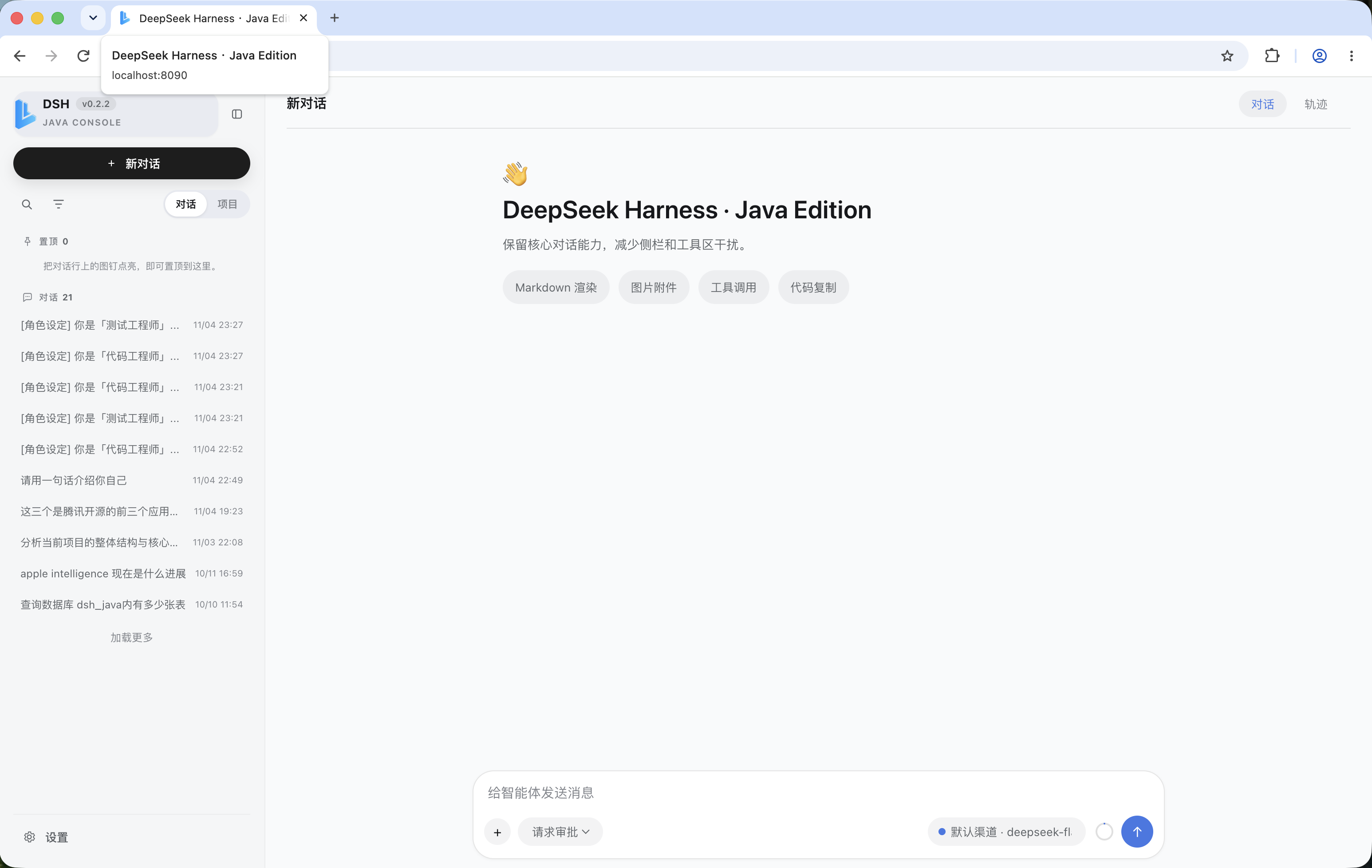
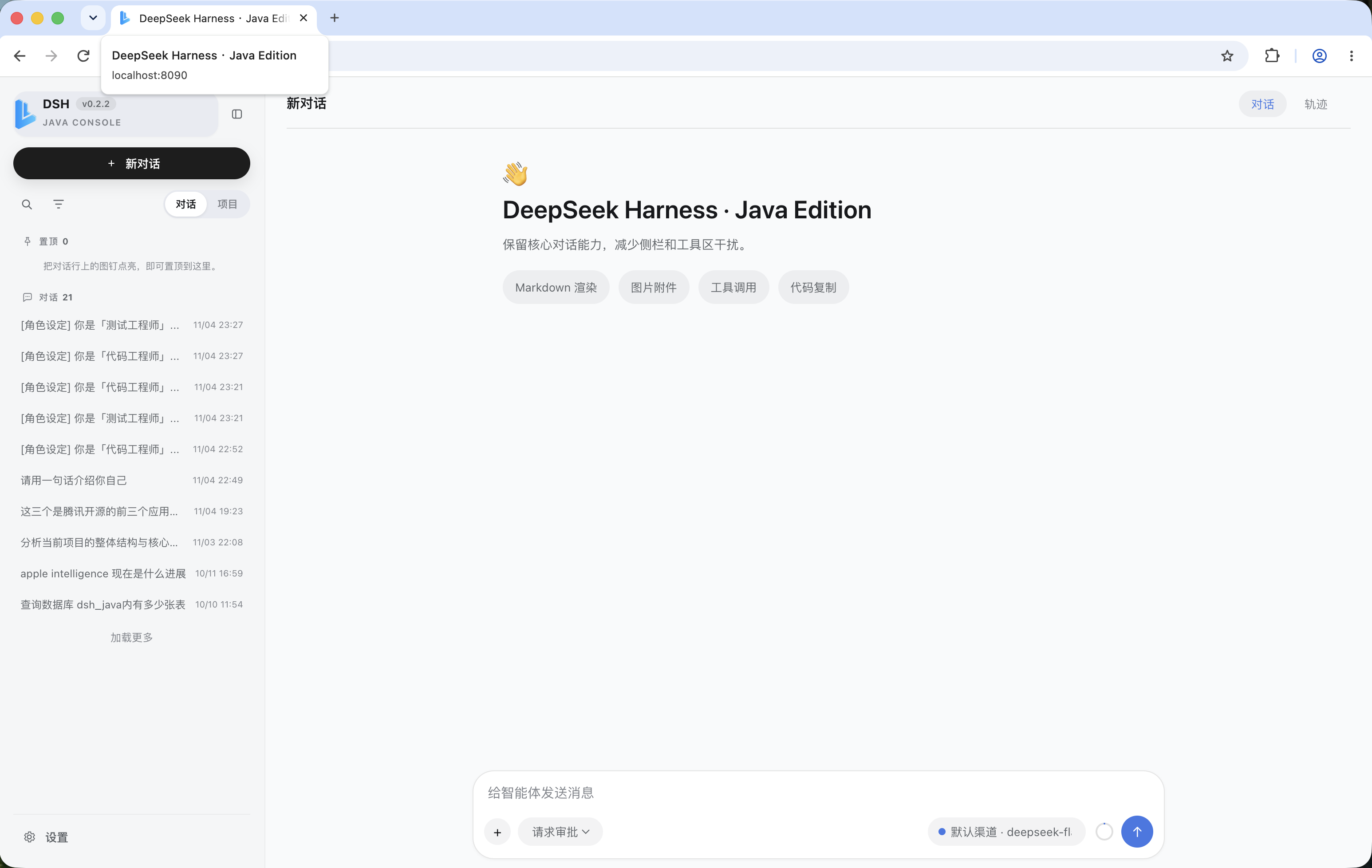
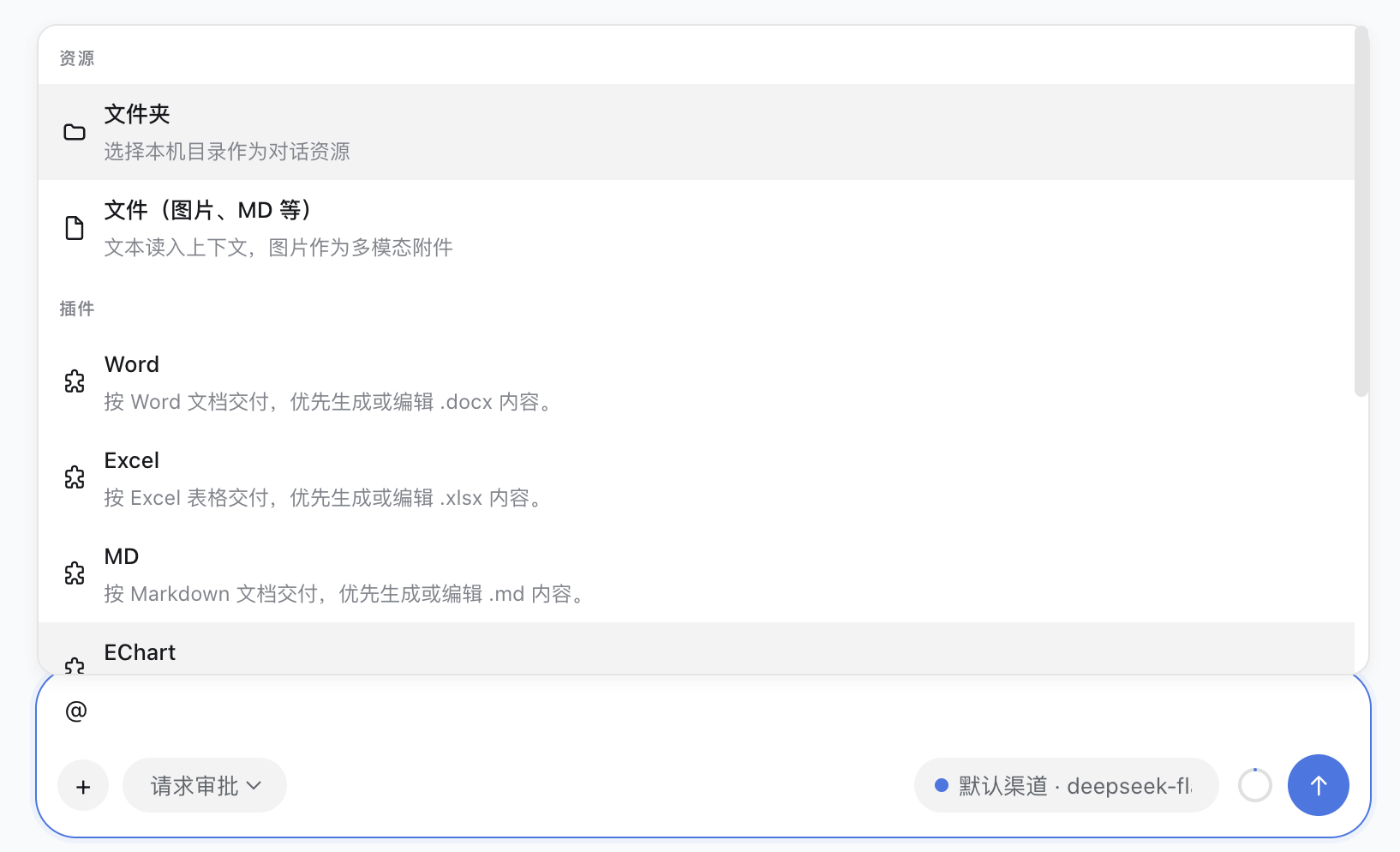
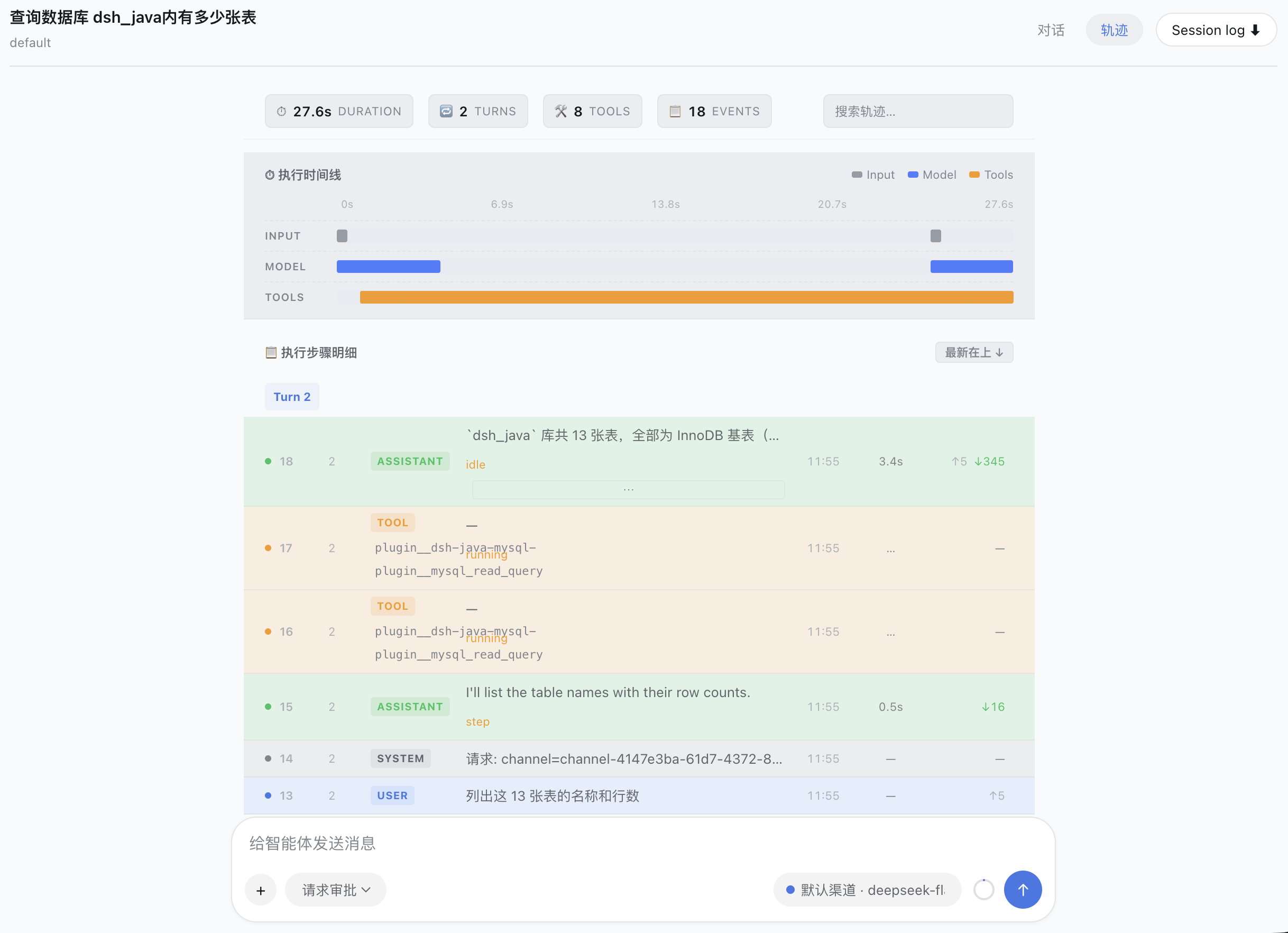
Screenshots live in the repository’s
assets/directory. Click any link to open the full image.
| Screen | Preview |
|---|---|
| Main UI | View |
| Composer | View |
| Conversation trace (tool calls / approvals) | View |
| Settings · Models | View |
| Settings · Digital Humans | View |
| Settings · Feishu Bot | View |
| Settings · Skills | View |
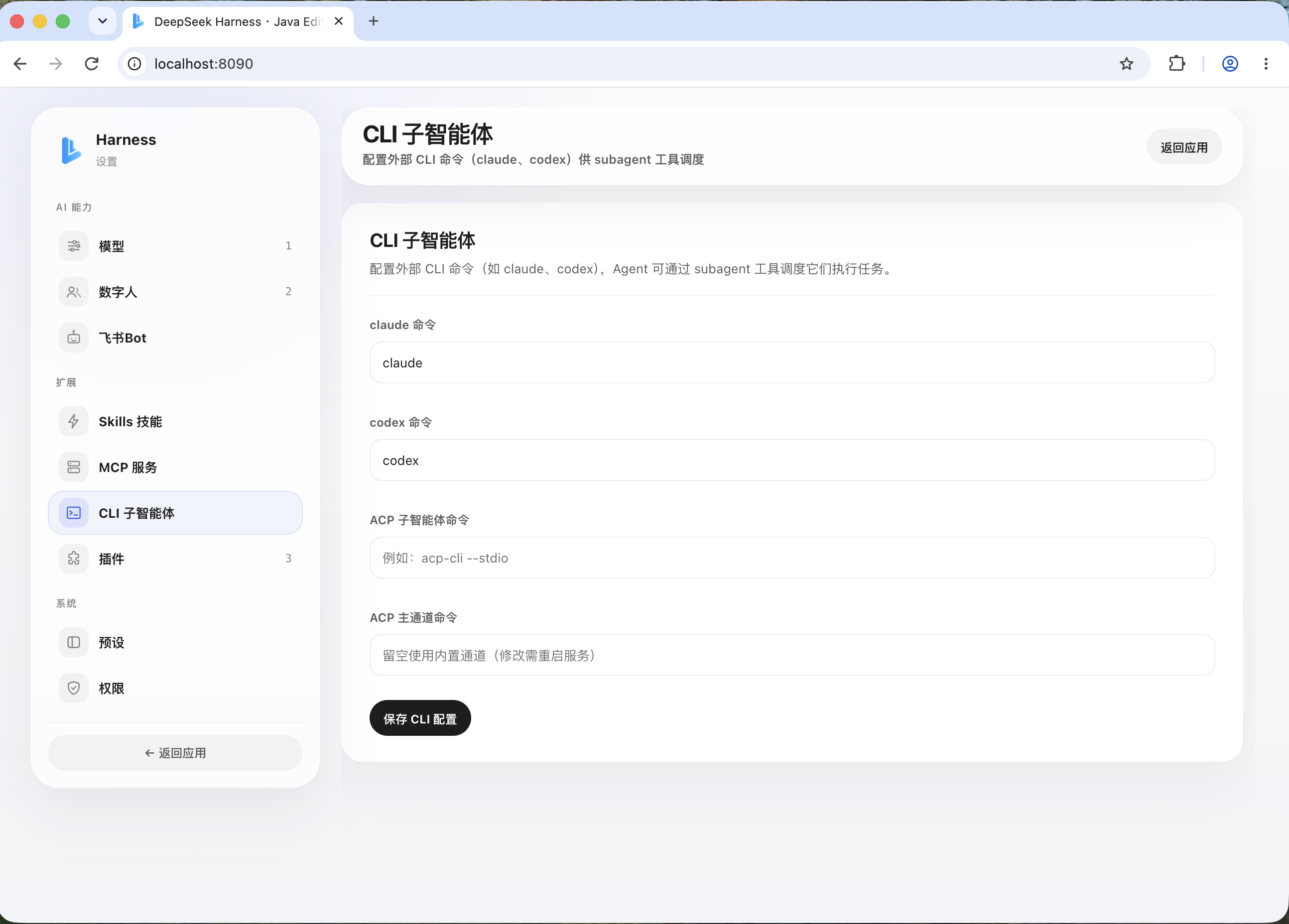
| Settings · CLI Sub-agents | View |
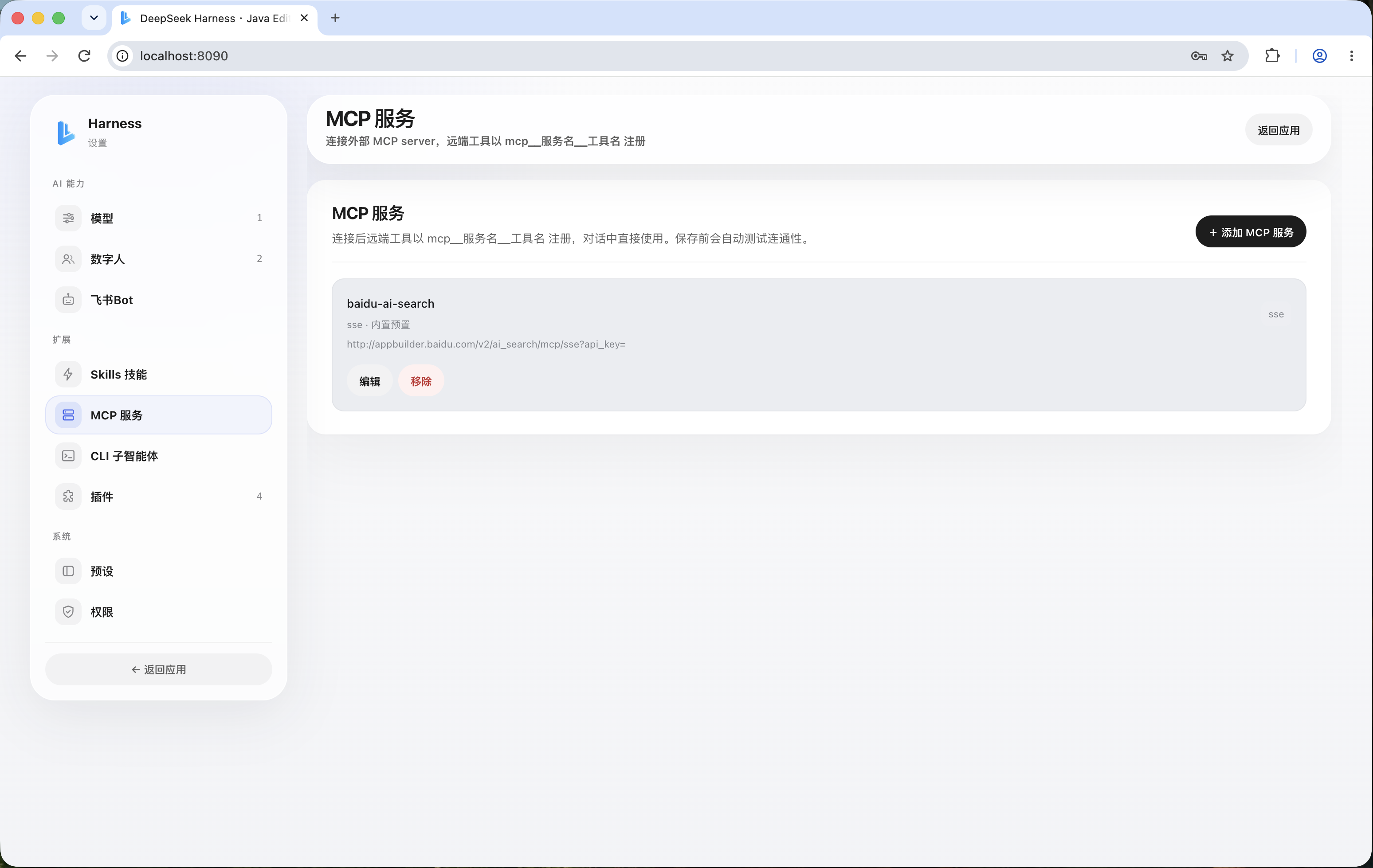
| Settings · MCP | View |
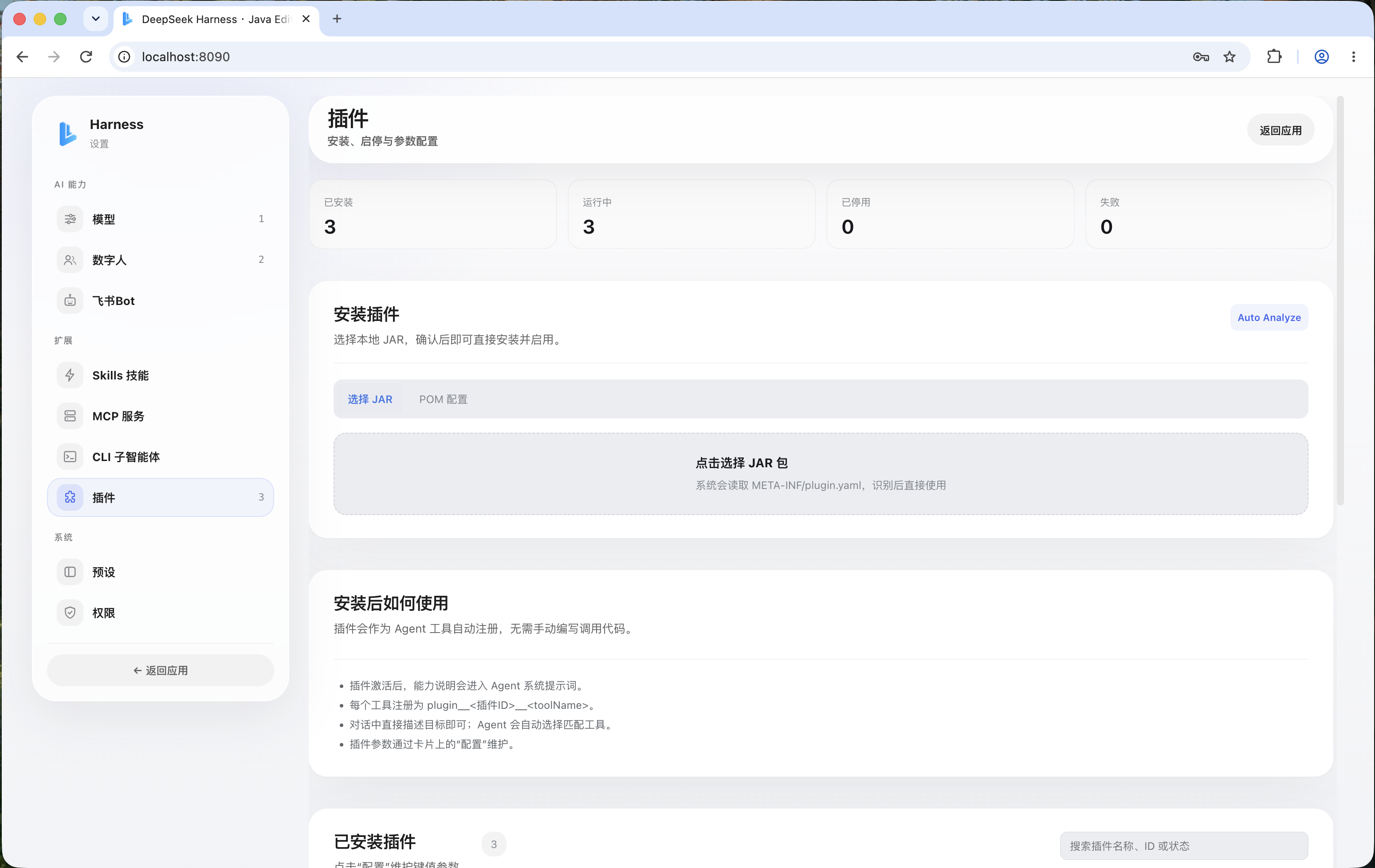
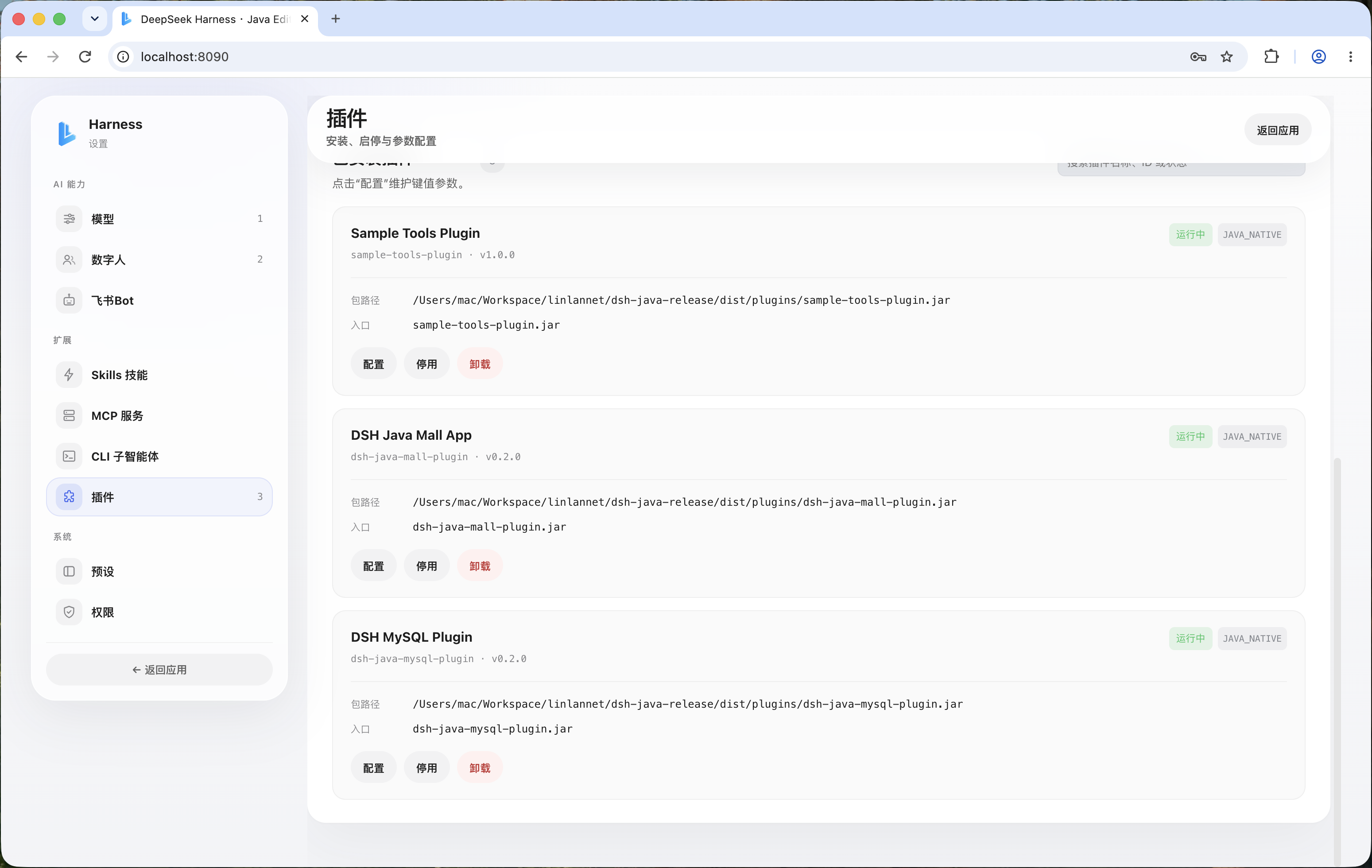
| Settings · Plugins | View · View |
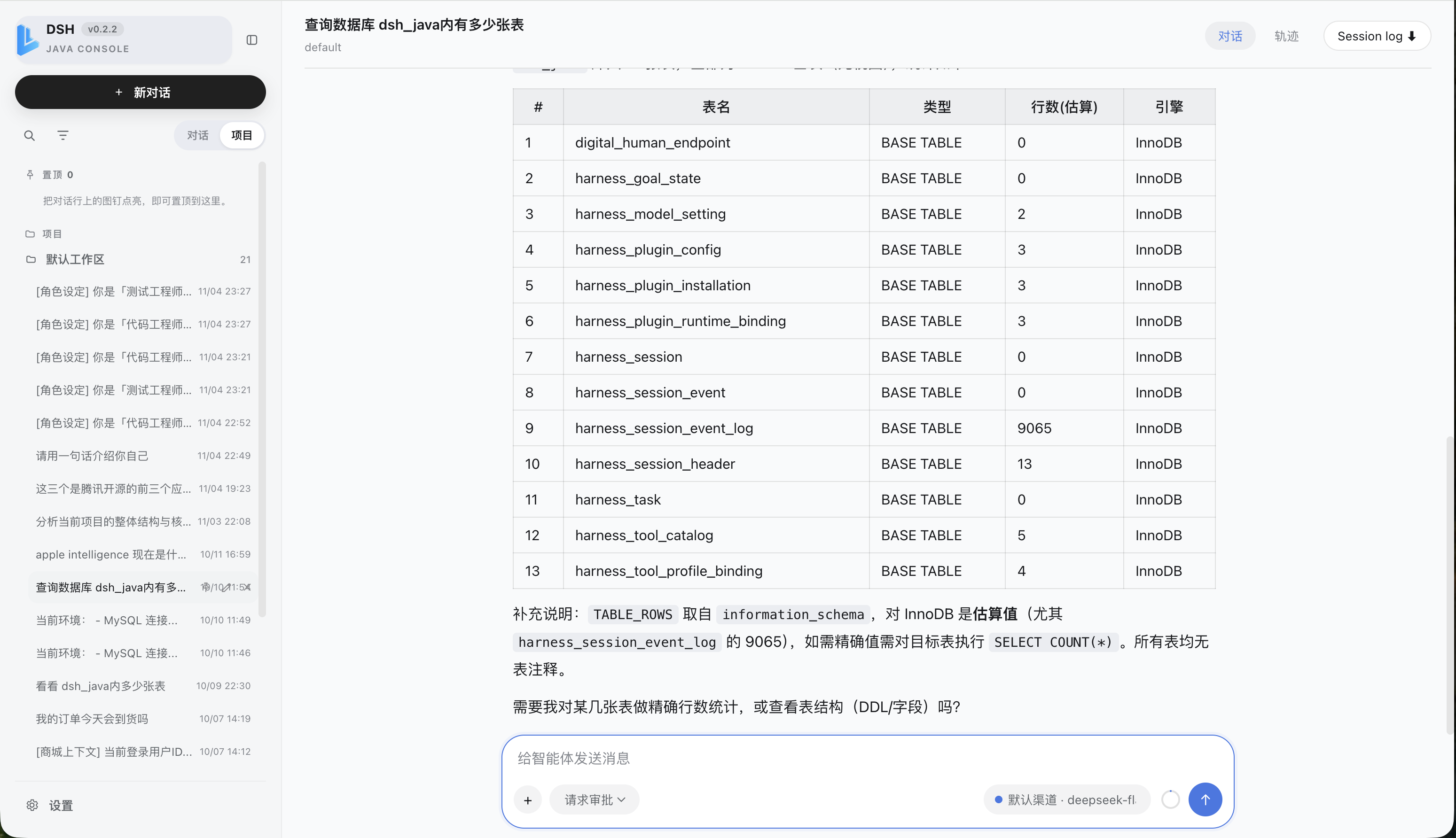
| Plugin in use · MySQL plugin | View |
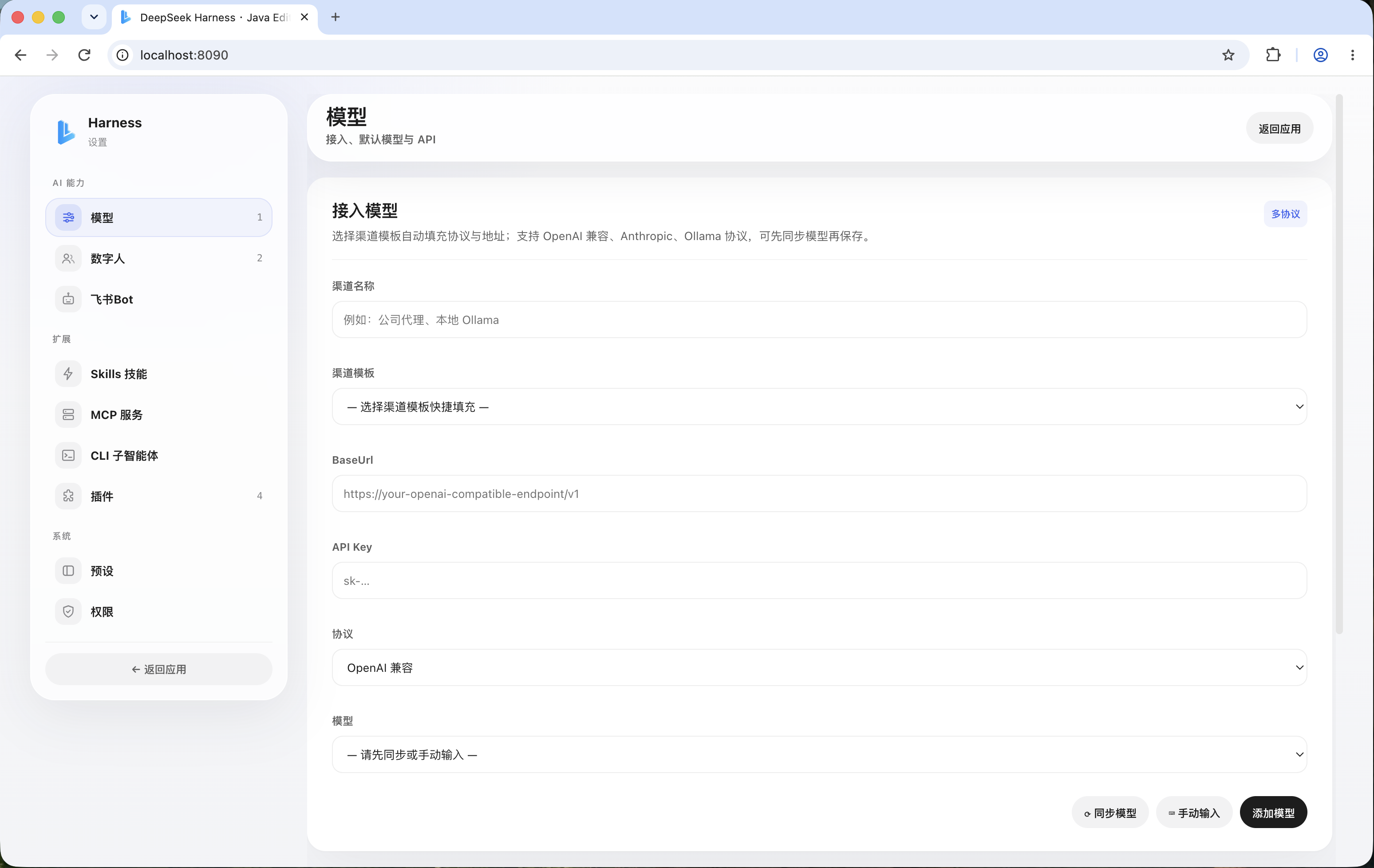
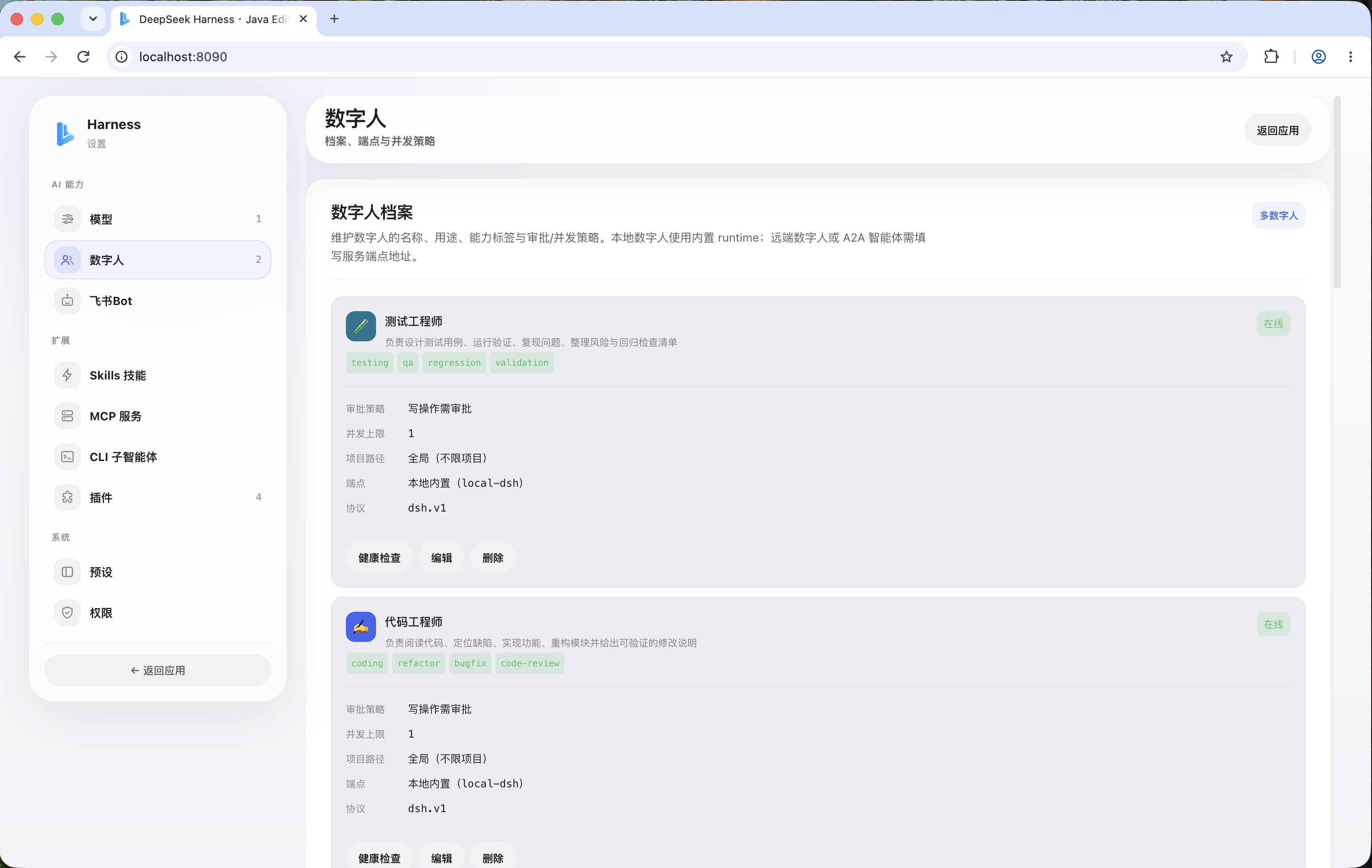
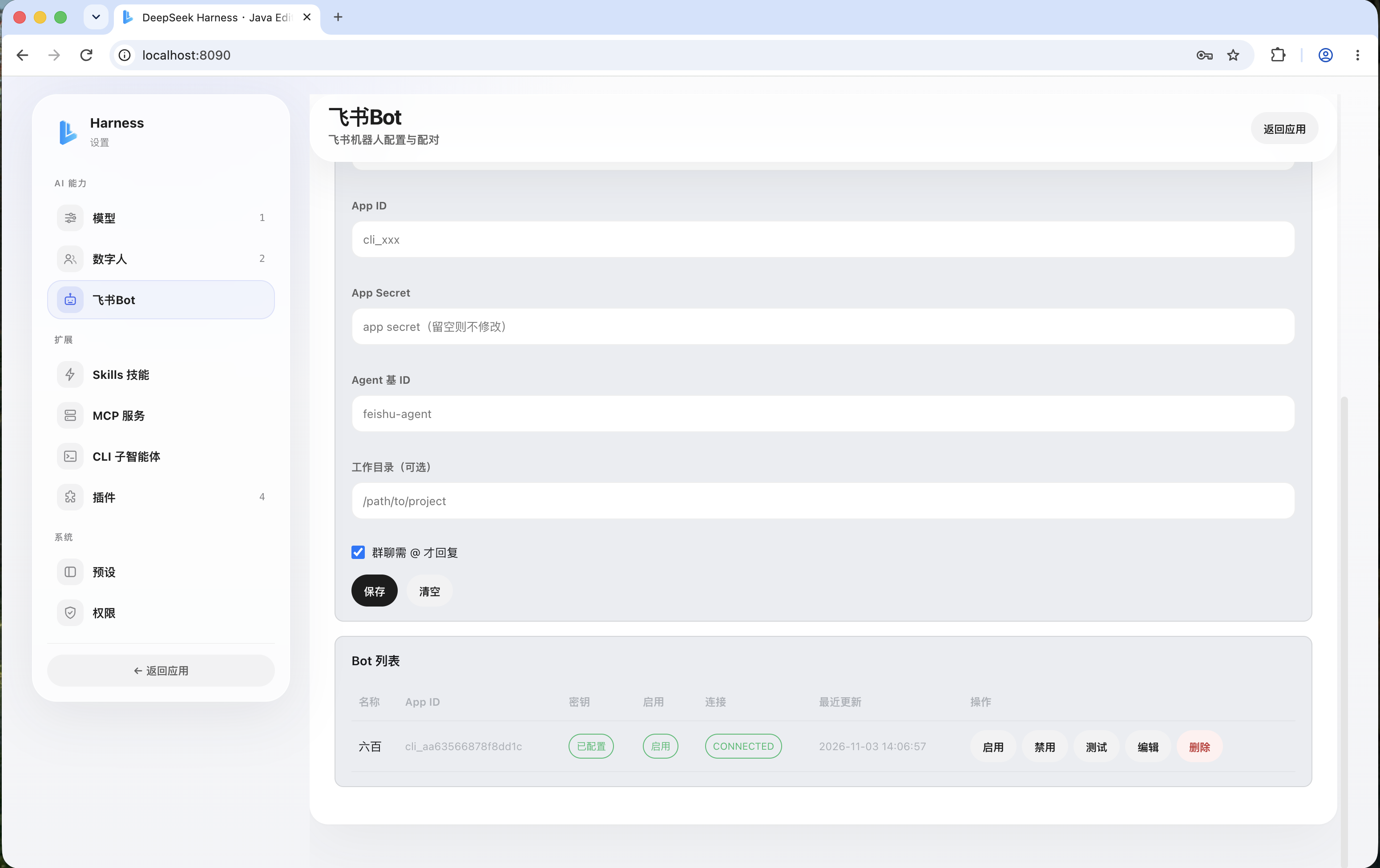
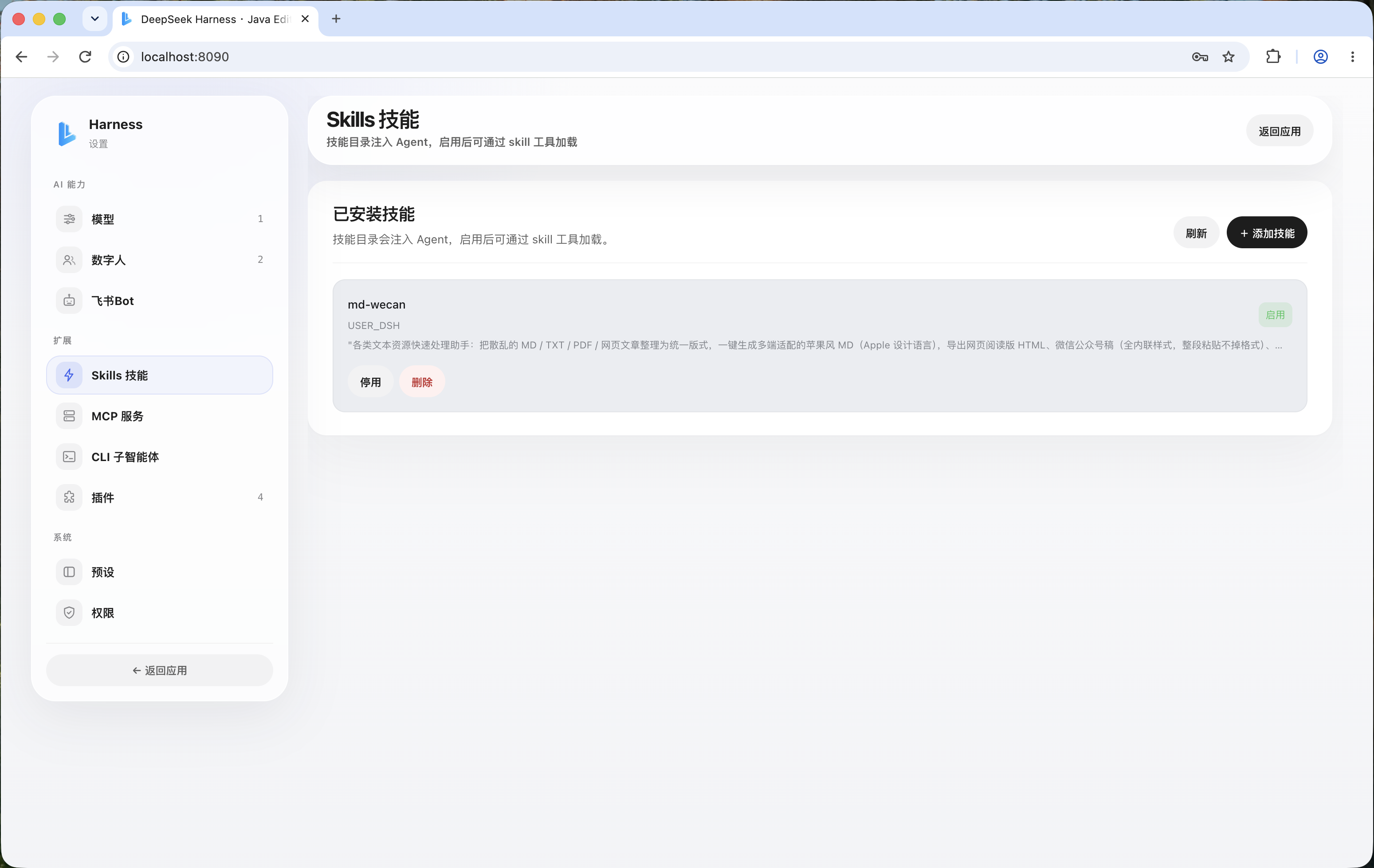
Why DSH Java
A self-contained Agent Harness, not just another chat shell.
- 🧠 ReAct agent loop — Reason → Act → Observe, with automatic continuation of tool calls (up to 50 steps per turn)
- 🧰 Real tool capabilities — file read/write, shell execution, web search/fetch and user questions, all through a unified
ToolCallExecutorwith PRE/POST hooks - 🧩 Dual plugin modes — Java native (JAR/SPI, in-process isolation) plus Node sidecar (JSON-RPC), and MCP tools
- 🛡️ Approvals and governance — permission matrix evaluated at submit time plus human approval; high-risk tools (shell, file writes, plugins, subprocesses) are gated by default
- 💾 Event sourcing — sessions, tasks, approvals and goals are persisted end-to-end for replay and audit
- 🖥️ Zero-build web console — plain JavaScript; open a browser to chat, manage workspaces, approve tasks and inspect plugins/models
- 📦 Ready to run — standalone H2 mode needs no external dependencies; switch to MySQL or Docker Compose with one command
- 🔌 Replaceable infrastructure — ports-and-adapters architecture; database, LLM and execution environment are all swappable
Built-in Skills
Three skill packages ship in skills/. Upload the corresponding zip via Settings → Skills in the web console to enable them:
| Skill | Version | Capability |
|---|---|---|
dsh-onto-team |
1.1.0 | Ontology expert team: one lead + five specialists (metrics / static ontology / dynamic ontology / query / visualization) covering the full ontology lifecycle |
md-wecan |
1.1.0 | Markdown toolkit: turn MD/TXT/PDF/web pages into Apple-styled Markdown, export web pages, WeChat articles, print-ready PDFs and share posters |
read-smart |
1.0.0 | Smart reading assistant: understand web/HTML/MD/TXT content, restructure it, then generate TTS mp3 with subtitles and a highlight-synced player |
Quick Start
# 1. Assemble the runtime (copies the 0.2.2 artifacts; no Maven)
./package.sh

# 2. Start in local mode (built-in H2, no MySQL required)
./start-local-jar.sh

# 3. Open the console
open http://127.0.0.1:8090
Need MySQL? Use ./start-mysql-jar.sh. Need to run a single plugin? Use dist/start.sh --app=mysql.
Use Cases
- Local agent workbench — browser UI, SSE chat, Markdown rendering, session and workspace management
- Java-native agent runtime — Spring Boot wiring, ReAct loop, tool registration/execution, session events
- Enterprise extension platform — Java SPI / Node sidecar / MCP / plugin lifecycle API
- Task automation — tasks, queues, approvals, goals, plans, to-dos, workflows and background jobs
Positioning: a single-instance agent runtime, not a turnkey distributed multi-tenant SaaS. Before production, add authentication/authorization, auditing, cluster coordination, observability and full integration testing as required by your organization.